



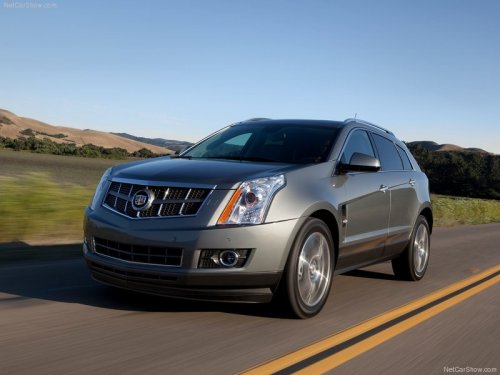
Cadillac SRX
Cadillac SRX / Gallery / Cadillac SRX
Cadillac SRX
See also:
Engine Air Cleaner/Filter
The engine air cleaner/filter is in the
engine compartment on the driver
side of the vehicle, near the front.
See Engine Compartment Overview for more information
on location. ...
SBZA Error Messages
The following messages may appear in the DIC:
SIDE BLIND ZONE ALERT SYSTEM OFF: This message indicates that the driver has
turned the system off.
SIDE BLIND ZONE SYSTEM UNAVAILABLE: This message i ...
Exterior
Cadillac says stealth fighters inspired the XLR, which serves as "a
contemporary expression of Cadillac's heritage of landmark design and advanced
technology." Linear lines display hints ...