



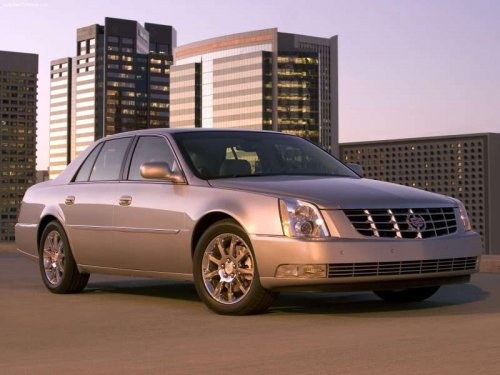
Cadillac DTS
Cadillac DTS / Gallery / Cadillac DTS
Cadillac DTS
See also:
Driving Impressions
With a low driving position like Chevrolet's Corvette, the XLR is one sweet
road machine. Acceleration for passing is close to stunning, and the XLR is also
quick from a standstill, helped by prom ...
Leaving the Vehicle with the Engine Running
WARNING
It can be dangerous to leave the vehicle with the engine running. The vehicle
could move suddenly if the shift lever is not fully in P (Park) with the parking
brake firmly set. And, ...
Parking
(Manual Transmission)
Before getting out of the vehicle,
place the shift lever in R (Reverse)
and firmly apply the parking brake.
For vehicles with the key access
ignition, turn the ignition key to
OFF/LOCK, and r ...