



Video Display Screens
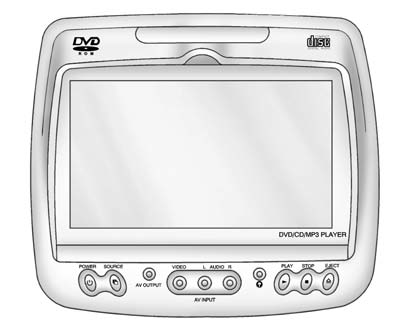
The video display screens are located on the back of each head restraint.
Notice: Avoid directly touching the video screen, as damage can occur. See “Cleaning the Video Screens” later in this section for more information.
See also:
Safety
Eight airbags are standard, with two more optional. Antilock brakes and an
electronic stability system are standard. Options include adaptive cruise
control with forward collision warning, lane de ...
Treadwear
The treadwear grade is a
comparative rating based on the
wear rate of the tire when tested
under controlled conditions on
a specified government test
course. For example, a tire
graded 150 ...
Memory Seats
On vehicles with the memory feature, the “1” and “2” buttons on the outboard
side of the driver seat are used to manually save and recall the positions of
the driver seat, outside mirrors, and a ...