



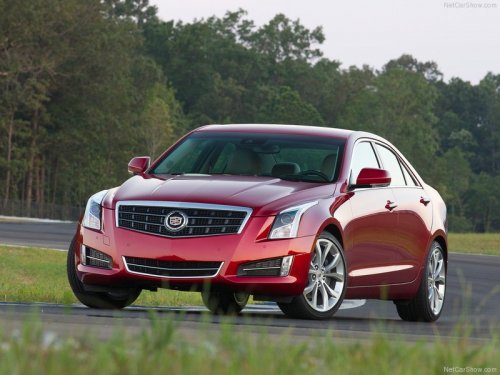
Cadillac ATS
Cadillac ATS / Gallery / Cadillac ATS
Cadillac ATS
See also:
Replacement Bulbs
For replacement bulbs not listed
here, contact your dealer. ...
Pairing
A Bluetooth—enabled cell phone must be paired to the Bluetooth system and
then connected to the vehicle before it can be used.
See your cell phone manufacturer's user guide for Bluetooth functions ...
Power Outlets
Accessory power outlets can be
used to plug in electrical equipment,
such as a cell phone or MP3 player.
There are three accessory power
outlets. The power outlets located
below the climate c ...