



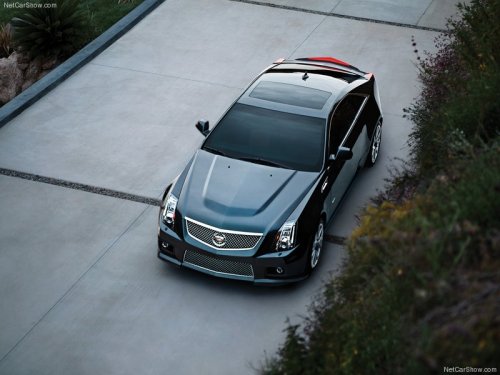
Cadillac CTS-V
Cadillac CTS-V / Gallery / Cadillac CTS-V
Cadillac CTS-V
See also:
Power Steering Fluid
See Engine Compartment Overview for reservoir location. ...
Safety Locks (Sedan and Wagon)
The vehicle has rear door security
locks. These prevent passengers
from opening the rear doors from
the inside.
Lock Label shown
The rear door security locks are
located on the inside edge ...
Removing the Spare Tire and Tools
To access the spare tire and tools:
1. Open the liftgate. See Liftgate .
2. Press on the bottom of the handle assembly to unlatch it and lift up on
the handle.
The prop rod locks into pl ...