



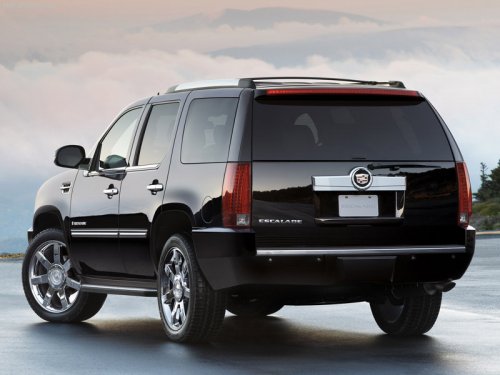
Cadillac Escalade
Cadillac Escalade / Gallery / Cadillac Escalade
Cadillac Escalade
See also:
Air Vents
Use the air outlets located in the
center and on the side of the
instrument panel to direct the
airflow. Use the thumbwheels near
the air outlets to open or close off
the airflow.
Operation ...
TPMS Sensor Matching Process
Each TPMS sensor has a unique identification code. The identification code needs
to be matched to a new tire/wheel position after rotating the vehicle’s tires or
replacing one or more of the TPMS ...
Total Weight on the
Vehicle's Tires
Inflate the vehicle's tires to the
upper limit for cold tires. These
numbers can be found on the
Certification label or see Vehicle
Load Limits. Do not
go over the GVW limit for the
vehicl ...