



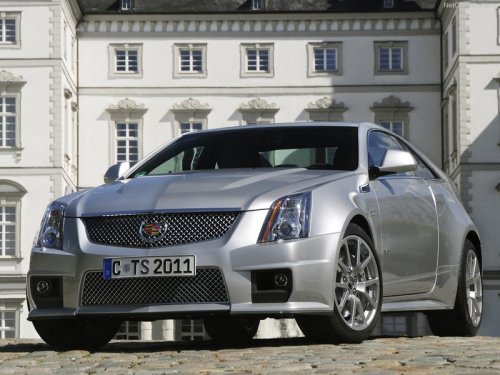
Cadillac CTS-V
Cadillac CTS-V / Gallery / Cadillac CTS-V
Cadillac CTS-V
See also:
Warranty
OnStar equipment may be
warranted as part of the new-vehicle
limited warranty. The manufacturer
of the vehicle furnishes detailed
warranty information. ...
Power Door Locks
Instrument Panel
Front Door Panels
(Lock): Press to lock the doors.
(Unlock):
Press to unlock the doors. ...
Hood
To open the hood:
1. Pull the hood release lever with
this symbol on it. It is located
inside the vehicle on the lower
side of the instrument panel.
2. Go to the front of the vehicle and
...