



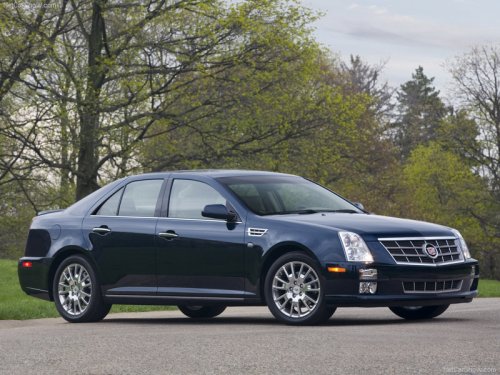
Cadillac STS
Cadillac STS / Gallery / Cadillac STS
Cadillac STS
See also:
How to Wear Safety Belts Properly
This section is only for people of adult size.
There are special things to know about safety belts and children. And there are
different rules for smaller children and infants. If a child will be r ...
Replacing the Engine Air Cleaner/ Filter
1. Locate the air cleaner/filter assembly. See Engine Compartment Overview
.
2. Loosen the four screws on the cover of the housing and lift up the cover.
3. Remove the engine air cleaner ...
Three—Way Calling
Three—way calling must be supported on the cell phone and enabled by the
wireless service carrier.
1. While on a call, press .
2. Say “Three—way call.” 3. Use the dial or call command to dial t ...