



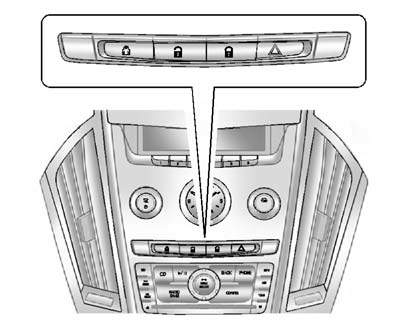
Power Door Locks
 " width=409 height=331
id="_x0000_i1162" src="images/books/1183/1/index.112.gif" border=0>
" width=409 height=331
id="_x0000_i1162" src="images/books/1183/1/index.112.gif" border=0>
Instrument Panel
 " width=409 height=331
id="_x0000_i1163" src="images/books/1183/1/index.113.gif" border=0>
" width=409 height=331
id="_x0000_i1163" src="images/books/1183/1/index.113.gif" border=0>
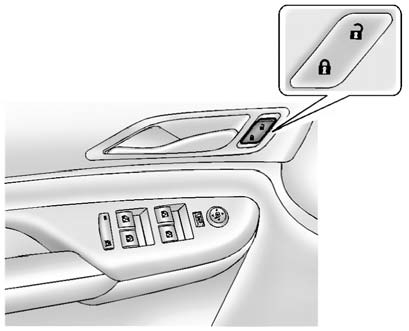
Front Door Panels
 (Lock): Press to lock the doors.
 (Unlock):
Press to unlock the doors.
(Unlock):
Press to unlock the doors.
See also:
Satellite Radio
Vehicles with an XM™ satellite radio tuner and a valid XM satellite radio
subscription can receive XM programming.
XM Satellite Radio Service
XM is a satellite radio service based in the 48 con ...
Delayed Locking
When locking the doors with the power lock switch and a door or the liftgate
is open, the doors will lock five seconds after the last door is closed. You will
hear three chimes to signal that the ...
Current Cadillac CTS-V
The current Cadillac CTS-V is the high-performance version of the CTS sport
sedan. While its predecessor certainly got your blood pumping, the new edition
is like a defibrillator attached to Niaga ...