



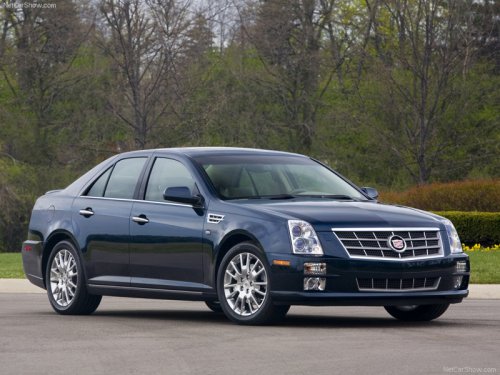
Cadillac STS
Cadillac STS / Gallery / Cadillac STS
Cadillac STS
See also:
Universal Remote System
The Universal Home Remote
System allows for garage door
openers, security systems, and
home automation devices to be
programmed to work with these
buttons in the vehicle.
See Universal Re ...
Inside the LFX
The Cadillac SRX's new LFX 3.6L direct-injected V-6 delivers an SAE-certified
308 horsepower (230 kW) and 265 lb.-ft. of torque (359 Nm), with
efficiency-enhancing features including direct inject ...
Sun Visors
Pull the sun visor down to block glare. Detach the sun visor from the center
mount to pivot to the side window, or to extend along the rod, if available. ...