



Operation
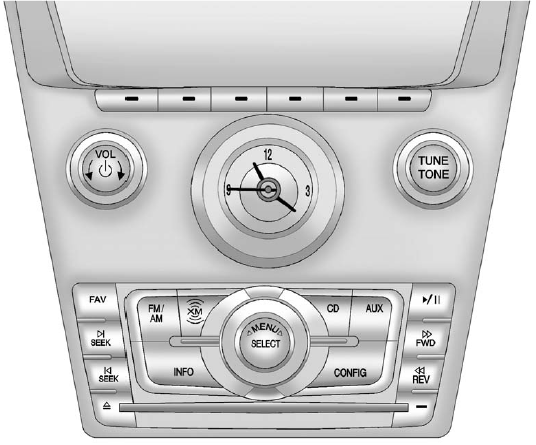
Full View of Radio with CD Shown, Radio with Six-Disc CD Similar
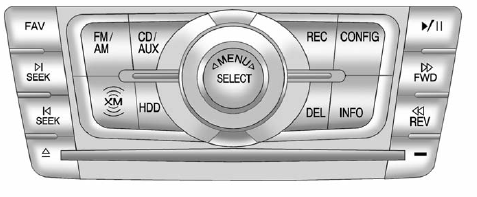
Partial View of Radio with DVD Audio, Hard Drive
Device (HDD), and USB
The vehicle may have one of these radios as its audio system.
If the vehicle does not have one of these radio systems, it may have a navigation radio system. See the navigation manual for more information on the navigation audio system.
See also:
Lower Anchor and Top Tether Anchor Locations
Rear Seat – Sedan or Wagon
Rear Seat – Coupe
(Top Tether Anchor): Seating
positions with top tether anchors.
(Lower Anchor): Seating
positions with two lower anchors.
To assist in loca ...
Collision Parts
Genuine GM Collision parts are new
parts made with the same materials
and construction methods as the
parts with which the vehicle was
originally built. Genuine GM
Collision parts are the be ...
Door Locks (Sedan and Wagon)
WARNING!
Unlocked doors can be
dangerous.
- Passengers, especially
children, can easily open the
doors and fall out of a moving
vehicle. When a door is
locked, the handle will not
open i ...